
Think about your phone. You probably use it constantly – checking messages, scrolling through social media, maybe even using it to control your smart home devices. Now, think about your laptop or tablet. Similar story, right? These gadgets have become essential parts of our lives. But have you ever stopped to consider how your everyday tech habits could be quietly shortening the lives of these devices?
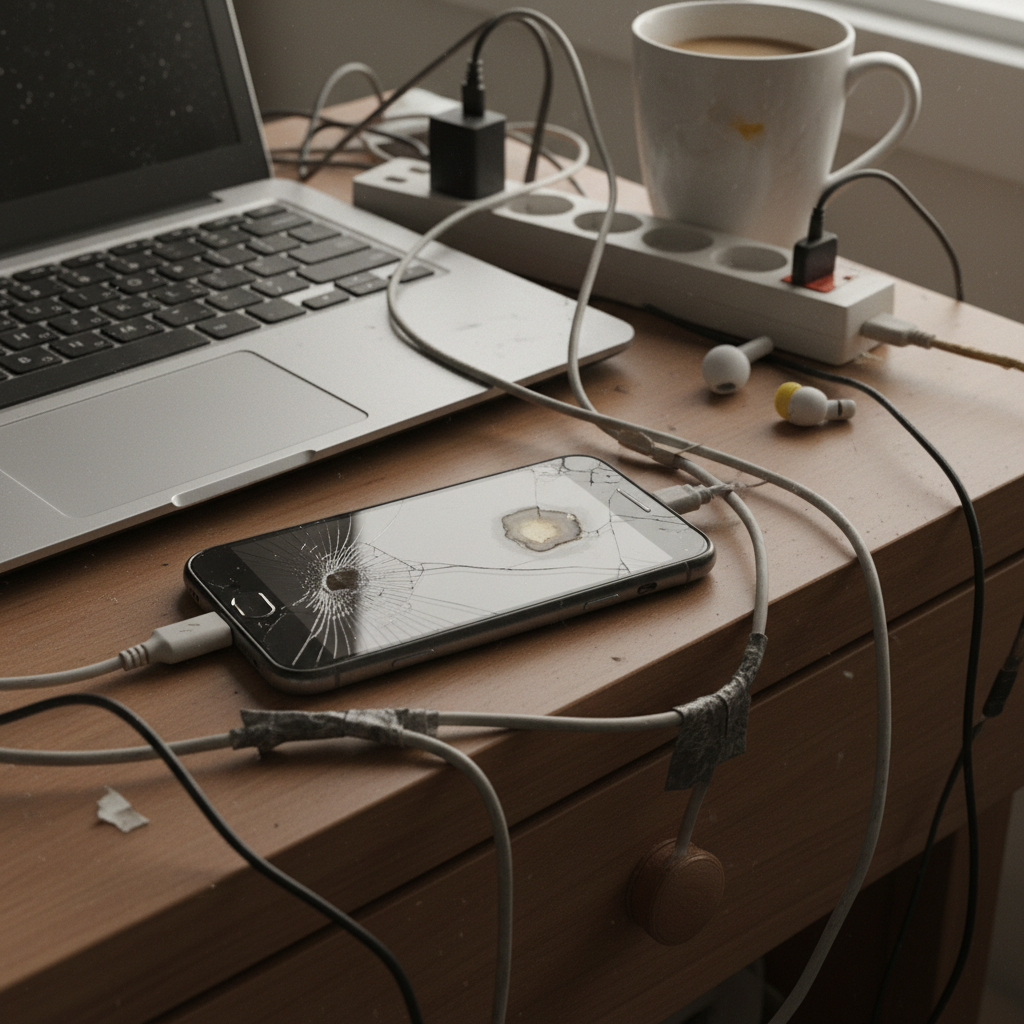
Most of us don’t give it a second thought. We plug in our phones when the battery dips, leave laptops on standby, and generally treat our tech as workhorses meant to run non-stop. But this casual approach can lead to a slow, steady decline in device performance and longevity.
The Subtle Culprits in Your Tech Routine
It’s not about big, dramatic events. It’s the small, everyday choices that add up over time. These seemingly insignificant habits are the silent destroyers of our precious tech.
1. Charging Habits and Battery Health
How often do you let your phone or laptop battery run all the way down to zero before charging? Or perhaps you leave them plugged in overnight, every night? Both habits are far from ideal.
The Problem: Lithium-ion batteries, which power most of our devices, have a limited number of charge cycles. Constantly draining the battery to zero puts extra stress on the cells, shortening their lifespan. Similarly, leaving a device plugged in 24/7 can cause the battery to overheat and degrade over time. You might not notice it immediately, but over a year or two, your battery’s capacity will significantly decrease, leading to shorter battery life and potential performance issues. This is especially true as devices get older.
The Fix: Aim to keep your battery charge between 20% and 80% as much as possible. If you can’t always do this, at least avoid letting it drain completely. When charging, unplug the device once it reaches 100%. Modern devices often have built-in features to help with this, like optimized charging, so take advantage of them.
2. Extreme Temperatures
Leaving your phone in a hot car during the summer or in freezing temperatures during winter might seem harmless. But extreme temperatures are a real threat to your device’s internal components.
The Problem: Heat is the enemy of electronics. It can cause components to expand, warp, and even fail. Cold temperatures can also cause problems, leading to condensation inside the device when it warms up, which can cause corrosion. This will shorten your device’s life.
The Fix: Avoid leaving your devices in direct sunlight or in extreme temperatures. If you live in a hot climate, try to keep your phone out of the sun and the car. In cold weather, protect your device by keeping it in your pocket or a bag.
3. The Perils of Overuse and Overheating
Do you often multitask heavily on your laptop, running multiple applications simultaneously? Or perhaps you leave your phone’s screen on at full brightness for extended periods? These habits can lead to overheating, which causes all sorts of issues.
The Problem: Overuse and demanding tasks put a strain on the device’s processor and other components, generating heat. Excessive brightness can also increase heat generation in the display. Over time, this constant heat can damage internal components, leading to slower performance, freezes, and even hardware failure.
The Fix: Give your devices a break. Close unnecessary applications, especially resource-intensive ones. Adjust your screen brightness to a comfortable level and turn it down when you don’t need it as bright. Consider investing in a cooling pad for your laptop if you frequently use it for demanding tasks.
4. Neglecting Physical Care
How often do you clean your devices? Dust, dirt, and debris can accumulate inside and around them, leading to performance issues and potential damage.
The Problem: Dust and debris can clog vents, causing the device to overheat. They can also get into ports and connectors, leading to connection problems. A dirty screen can also be a magnet for germs.
The Fix: Regularly clean your devices with a soft, dry cloth. Avoid using harsh chemicals or abrasive cleaners. Use compressed air to blow out dust from vents and ports. Consider a screen protector for your phone to minimize scratches and damage.
5. Software Updates and Security Patches
Do you tend to put off software updates? It’s a common habit, but ignoring these updates can be a costly mistake.
The Problem: Software updates often include security patches and performance improvements. Failing to install these updates can leave your devices vulnerable to security threats and slow down their performance. Furthermore, older software versions might not be optimized for the latest hardware, leading to instability and compatibility issues.
The Fix: Enable automatic updates whenever possible. When prompted to update, do so promptly. This ensures you have the latest security features and performance enhancements.
Common Mistakes and How to Avoid Them
We all make mistakes, but some are more harmful to our tech than others. Recognizing these common pitfalls can help you adjust your habits and extend your device’s lifespan.
- Myth: “Charging your phone overnight damages the battery.” This is a bit of an outdated concern. Modern smartphones have built-in protection against overcharging. However, it’s still best practice to unplug your device once it reaches 100% to minimize heat exposure.
- Mistake: Using generic chargers. Using a charger not designed for your device can deliver inconsistent power, potentially damaging the battery or other components. Always use the charger that came with your device, or a charger from a reputable brand that is specifically designed for your device.
- Myth: “Leaving apps running in the background doesn’t affect performance.” While the impact might be minimal, background apps can consume processing power and drain battery. Close apps you’re not using to optimize performance.
- Mistake: Ignoring warning signs. Don’t ignore signs of a problem, such as your phone getting hot or your battery draining rapidly. These could be indicators of a bigger issue.
Why These Habits Matter More in the 2020s
Our reliance on technology has only increased in recent years. Our smartphones, laptops, and tablets are no longer just tools – they’re essential for work, communication, entertainment, and managing our daily lives.
The cost of replacing these devices has also gone up. With new models launching regularly and advanced features driving up prices, it’s more important than ever to take care of what you have. A well-maintained device not only lasts longer but also performs better. This translates to a smoother, more efficient experience, less frustration, and ultimately, more value for your money.
The environmental impact of our tech habits is another growing concern. E-waste is a major problem, and extending the lifespan of your devices is one way to reduce your contribution to this issue. It’s a simple change, but it makes a difference.
Long-Term Benefits: Peace of Mind and Savings
By adopting these simple tech habits, you can enjoy several long-term benefits:
- Extended Device Lifespan: Your devices will last longer, saving you money on replacements.
- Improved Performance: Your devices will run smoother and faster.
- Reduced Frustration: No more unexpected crashes, freezes, or battery problems.
- Peace of Mind: Knowing you’re taking care of your investments.
- Reduced E-Waste: Contributing to a more sustainable lifestyle.
FAQs: Your Tech Habits Questions Answered
Here are some frequently asked questions about the habits we’ve discussed, along with practical answers:
- Does leaving my phone on charge overnight damage the battery? Modern phones are designed to stop charging when they reach 100%, so overnight charging isn’t as damaging as it used to be. However, it’s still best to unplug your device once it’s fully charged to minimize heat exposure.
- How often should I clean my phone? Aim to clean your phone at least once a day, especially the screen. Use a soft, dry cloth to remove fingerprints and smudges. Consider using a screen protector for added protection.
- How do I know if my laptop is overheating? Common signs of overheating include the fan running constantly, the laptop feeling hot to the touch, and performance slowdowns. If you notice these symptoms, give your laptop a break, and consider using a cooling pad.
- Should I close apps running in the background? Yes, closing unused apps can free up resources and improve performance.
- How often should I update the software on my devices? Install software updates as soon as they become available. These updates often include security patches and performance improvements.
- What’s the best way to store my devices when I’m not using them? Store your devices in a cool, dry place, away from direct sunlight and extreme temperatures.
- Is it okay to use my phone while it’s charging? Yes, but it may cause the device to heat up, which could affect the battery’s lifespan. Try to avoid using it heavily while charging.
- How do I dispose of my old devices responsibly? Research local e-waste recycling programs or drop-off locations to ensure your devices are disposed of properly.
Taking care of your tech doesn’t require complex rituals or expensive products. It’s about being mindful of your daily habits and making small adjustments that can have a big impact over time. By following these tips, you can protect your devices, save money, and enjoy a smoother, more efficient tech-filled life. To learn more about other ways to maintain your home, explore our website.