
Ugh, isn’t it the worst? You’re out and about, maybe on a date, or trying to find your way home, and BAM – the dreaded low battery warning pops up. Your phone, your lifeline, is about to die, and you’re suddenly stranded. I’ve been there countless times. It’s a frustrating experience, especially when you feel like you just charged your phone!
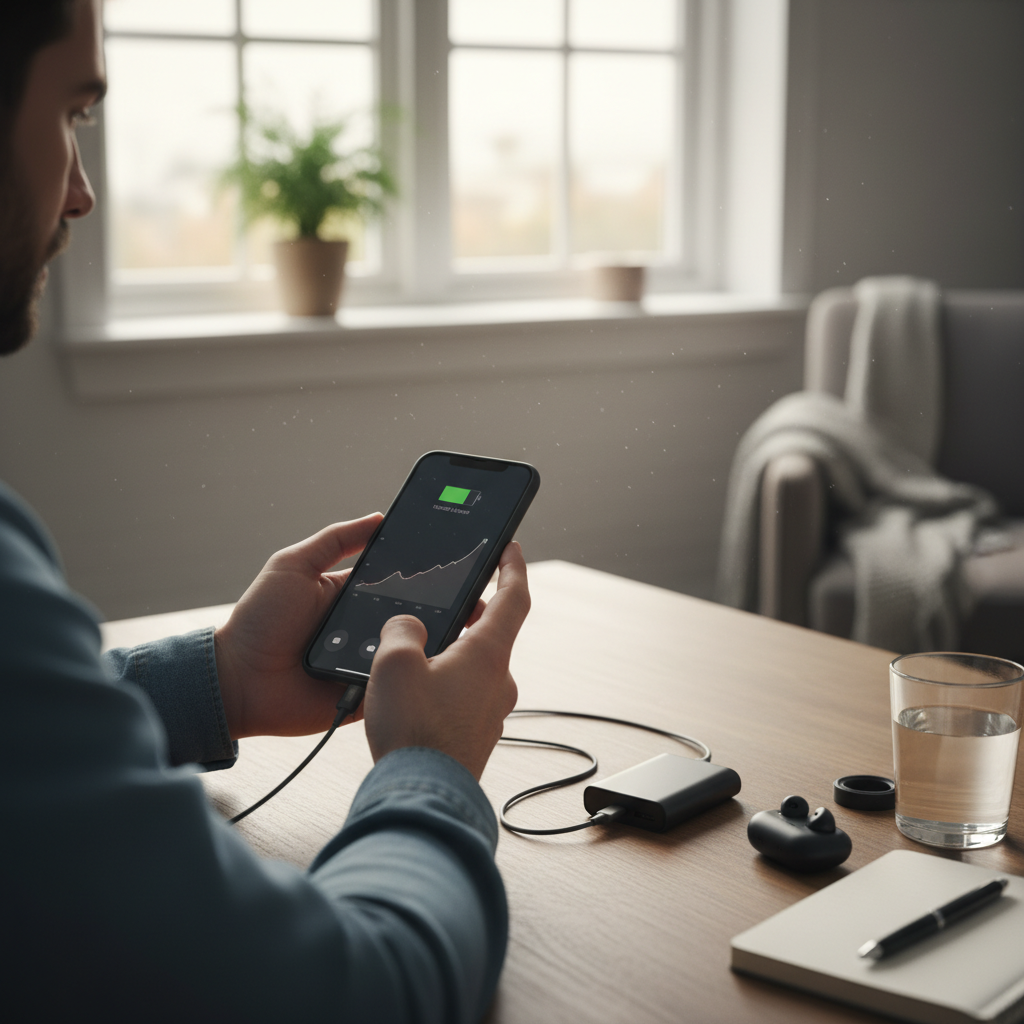
This isn’t just about inconvenience. It’s about being connected, staying safe, and keeping up with life. And when your phone battery is draining faster than a bucket with a hole in it, it throws everything off. Let’s face it: we depend on our phones for everything now. So, when that battery life starts to shrink, it’s a big problem.
Why Does My Phone Battery Drain So Quickly? Let’s Find Out
First off, breathe. It’s almost never a complete disaster. There are many reasons why your phone might be guzzling battery. Here are the usual suspects:
1. Age and Usage
This is the big one. Lithium-ion batteries (which are in most smartphones) degrade over time. The more you charge and discharge them, the less efficient they become. Think of it like a rechargeable flashlight – eventually, it just doesn’t hold a charge as long as it used to. And how you use your phone matters a lot. If you are constantly gaming, streaming videos, or using GPS, the battery is going to drain much faster.
2. Background App Activity
This is a sneaky culprit. Even when you’re not actively using an app, it might be running in the background, refreshing content, checking for updates, and generally eating up your battery. Social media apps are notorious for this, constantly pulling data and sending notifications.
3. Screen Brightness and Display Settings
Your screen is the single biggest battery hog. The brighter the screen, the more power it uses. If you have the brightness cranked up all the way, or if you’re not using auto-brightness, you’re definitely losing battery life faster than you should.
4. Weak Cellular Signal
When your phone struggles to find a good signal, it works overtime to stay connected. This constant searching for a signal can seriously drain the battery. Ever noticed how your phone dies faster in areas with poor reception?
5. Outdated Software
Sometimes, your phone’s operating system (Android or iOS) can have bugs that cause excessive battery drain. Software updates often include fixes for these kinds of issues, so keeping your phone updated is important.
6. Location Services
Apps that use location services (like maps, ride-sharing apps, and even some social media) constantly ping your phone’s GPS. This constant GPS usage can drain the battery quickly.
7. Faulty Battery or Hardware Issues
In rare cases, the battery itself might be faulty or there could be a problem with your phone’s hardware that’s causing the drain. This is more common with older phones or phones that have been exposed to extreme temperatures.
The Mistakes People Make (And How to Avoid Them)
Okay, so now you know the usual suspects. But what do people *actually* do wrong when trying to fix a fast-draining battery? Here are some common blunders:
1. Blaming the Phone Immediately
A lot of people jump to the conclusion that their phone is broken. While a hardware issue is possible, it’s usually something much simpler. Jumping to a new phone right away is not usually the answer.
2. Ignoring Background App Activity
Most people don’t realize how many apps are running in the background. They just assume, “I’m not using it, so it’s not a problem.” But those apps are constantly refreshing and using power, even when you’re not looking.
3. Turning Off Everything at Once
Some people go into a panic and switch off every feature they can find – Bluetooth, Wi-Fi, location services, everything. While this *will* save battery, it also makes your phone less useful. There’s a balance to be found, and you don’t have to cripple your phone.
4. Using “Battery Saver” Mode All the Time
Battery saver mode is helpful, but it’s not a magic bullet. Overusing it can limit your phone’s functionality. Also, some people think battery saver fixes the underlying problem. It just slows down the drain, it doesn’t solve why the battery is draining.
5. Charging Habits
Some people let their phones die completely before charging, or they leave them plugged in all night. Both habits can stress your battery. While modern batteries are more resilient than older ones, these habits can still affect their lifespan over time.
The Real Fix: Practical Steps You Can Take
Alright, let’s get down to business. Here’s what you can do to actually fix your phone’s battery drain:
1. Identify the Culprit
Most phones have a battery usage section in the settings. On Android, it’s usually under “Battery” or “Device Care.” On iOS, it’s under “Battery.” This will show you which apps are using the most battery. This is the first and most important step to understand which apps are causing your battery drain.
2. Tame Background App Activity
Once you’ve identified the battery-guzzling apps, go into your phone’s settings and restrict their background activity. On Android, you can go to “App info” for each app and limit background usage. On iOS, you can “Offload Unused Apps”. You can also just delete any apps you don’t use often.
3. Optimize Your Display Settings
Turn on auto-brightness, or adjust your screen brightness manually. Also, consider setting a shorter screen timeout (e.g., 30 seconds or 1 minute). This stops your screen from staying on longer than necessary.
4. Manage Location Services
Review which apps have permission to use your location. Set location access to “While Using the App” instead of “Always” for apps that don’t need constant access.
5. Keep Your Software Updated
Check for software updates regularly. Go to “Settings” > “Software Update” (Android) or “General” > “Software Update” (iOS).
6. Optimize Your Charging Habits
Avoid letting your phone completely die. Try to keep the battery between 20% and 80%. Avoid charging overnight, as that can stress the battery. Consider using a smart charger that stops charging once the phone is full.
7. Check Your Cellular Signal
If you’re in an area with a weak signal, consider turning on airplane mode when you don’t need to use your phone. Or, if possible, switch to Wi-Fi to reduce battery drain.
8. Consider a Battery Replacement
If your phone is old and the battery is severely degraded, a battery replacement might be a good idea. This is often more affordable than buying a new phone. You can usually get a battery replacement at a local phone repair shop or by sending your phone to the manufacturer.
When to Call in the Professionals
Most battery drain issues can be fixed at home. But there are times when you might need professional help:
- **Hardware issues:** If you suspect a hardware problem (like a faulty battery or a problem with your charging port), it’s best to take your phone to a repair shop.
- **Severe damage:** If your phone has been exposed to water or has sustained significant physical damage, a repair shop can assess the damage and advise you on the best course of action.
Long-Term Prevention: Keep Your Battery Happy
Want to prevent this problem from happening again? Here are some simple habits to keep your phone’s battery healthy long-term:
- **Avoid extreme temperatures:** Don’t leave your phone in direct sunlight, in a hot car, or in freezing conditions.
- **Use a quality charger and cable:** Cheaper chargers can damage your battery.
- **Clean your charging port:** Dust and debris can build up in the charging port, preventing proper charging.
- **Regularly review app permissions:** Make sure apps only have the permissions they need.
- **Consider a power bank:** For those days when you need extra battery life.
Following these steps will help you maximize your phone’s battery life and avoid those frustrating low-battery moments. It’s all about understanding what’s draining your battery and taking control. This includes simple habits to save money and boost your sanity.
Frequently Asked Questions (FAQs)
Here are some common questions people have about phone battery drain:
Q: My phone is new, but the battery still drains quickly. What gives?
A: Even new phones can have battery drain issues. Check your app usage to see which apps are using the most power. Also, make sure your software is up to date.
Q: Does fast charging damage my battery?
A: Modern fast charging technologies are generally safe. However, excessive heat can damage your battery, so avoid fast charging in hot environments.
Q: Should I turn off Wi-Fi and Bluetooth to save battery?
A: Yes, if you aren’t using them. But don’t keep them off all the time. It’s all about balance. Turning them off when you don’t need them can help.
Q: Is it okay to charge my phone overnight?
A: It’s generally okay, as most phones have built-in safeguards to prevent overcharging. However, it’s better to avoid doing this regularly to extend the battery’s lifespan. Try to keep the battery between 20% and 80%. This will help in the long run.
Q: Will closing apps save battery?
A: Not usually. Modern operating systems manage apps in the background efficiently. Closing apps might actually use *more* battery, as the phone has to reload them when you reopen them. Focus on limiting background activity.
Q: My phone gets really hot when I use it. Is this normal?
A: Some heat is normal, especially during intensive tasks like gaming or video streaming. However, excessive heat can indicate a problem. If your phone gets very hot, stop using it and let it cool down. If the problem persists, contact support.
Q: Should I use a battery-saving app?
A: Be cautious of battery-saving apps. Some can be ineffective or even cause more battery drain than they save. Stick to the built-in battery-saving features of your phone’s operating system.
Q: Is it time for a new phone?
A: If your phone is old and the battery life is terrible, it might be. Consider a battery replacement first. If that doesn’t fix the problem, or if your phone is also slow or has other issues, it might be time for an upgrade. Is your current phone costing you money? Consider new habits with your Wi-Fi router.
I hope this guide helps you tame that battery drain and get back to enjoying your phone without the constant worry of it dying on you. Remember, it’s a marathon, not a sprint. Take it step-by-step, and you’ll be back in control in no time. For more tips and tricks, check out our homepage.