
Ugh, that sinking feeling. You’re out, maybe waiting for a ride, or just trying to catch up with friends, and you glance down… 15%? Seriously? We’ve all been there. That dreaded feeling of your phone battery plummeting faster than a politician’s approval ratings is a classic modern frustration. It’s like your phone is actively trying to make your life harder. But relax, because you’re not alone, and it’s usually not as bad as it seems. Let’s figure out why your phone is suddenly a power-guzzler and what you can do about it.
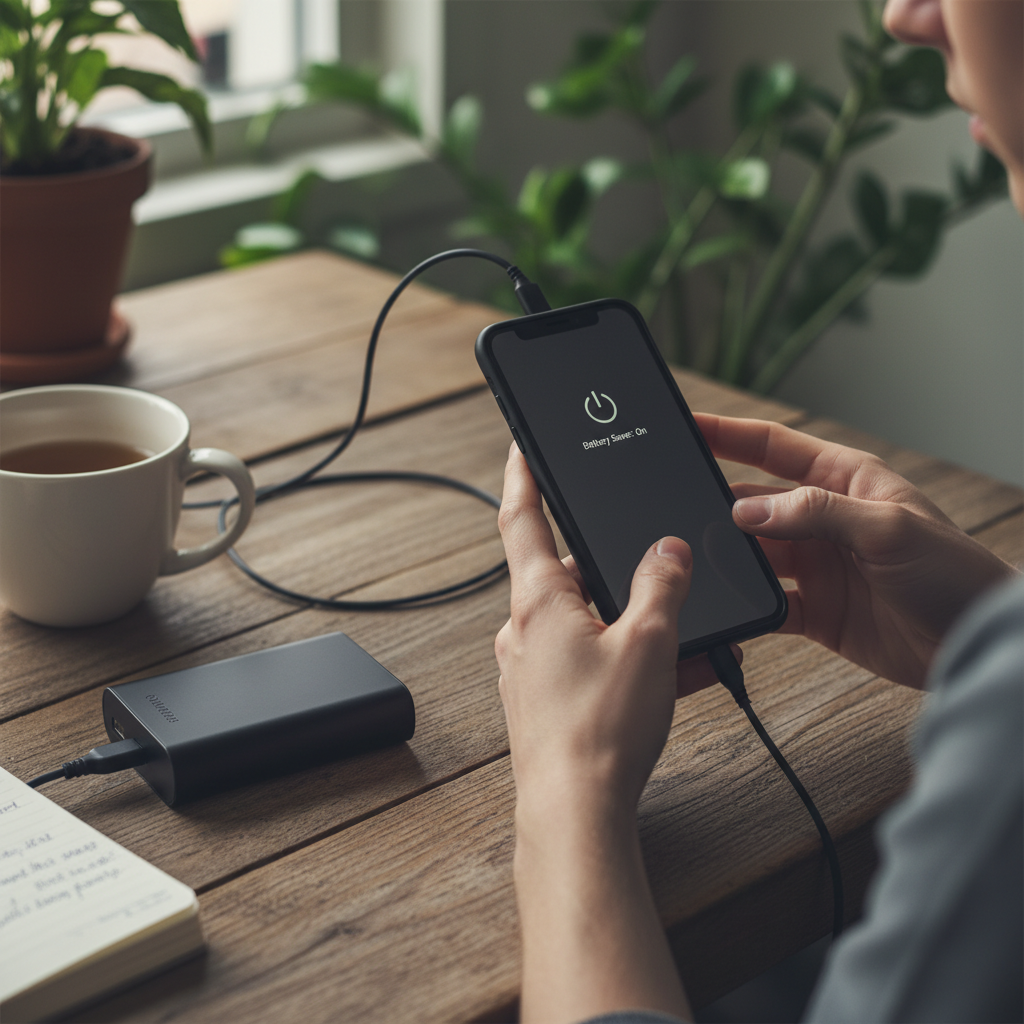
The Great Battery Drain Mystery: Why Does This Always Happen?
Think about it: just a few years ago, we were happy with a phone that lasted a whole day. Now, even with “improved” batteries, many of us are scrambling for a charger by lunchtime. What gives? Well, a few usual suspects are always at play:
- Age: Batteries, like us, get old. Over time, they lose their ability to hold a charge. That shiny new phone with the incredible battery life? Give it a year or two, and you’ll notice a difference.
- Software Updates: While meant to improve our lives, software updates sometimes introduce new features that eat up battery. Think of it as your phone trying to do more, and needing more energy to do it.
- Background Apps: This is a big one. Even when you’re not actively using an app, it might be running in the background, updating, and generally sucking the life out of your battery.
- Screen Brightness: The brighter your screen, the more power it uses. It’s a simple fact.
- Location Services: Constant location tracking is another culprit. Every app that wants to know where you are (and there are many) is using battery to do so.
- Heat: Extreme temperatures, especially heat, can damage your battery and make it drain faster.
The Rookie Mistakes: What People Usually Get Wrong
When our phone battery starts acting up, we often jump to the wrong conclusions and make things worse. Here are some of the most common blunders:
- Blaming the Phone: “My phone is junk!” We’ve all said it. But often, the problem isn’t the phone itself, but how we’re using it.
- Buying a New Phone (Too Soon): Seriously, before you shell out for a new phone, try the fixes below. You might be surprised.
- Using Questionable “Battery Saver” Apps: Many of these apps are just scams. They promise miracles but often do more harm than good, hogging resources and potentially even containing malware.
- Leaving Your Phone on Charge All Night: This used to be a big deal with older batteries, but modern smartphones are usually designed to stop charging when full. However, it can still generate heat, which isn’t great for the battery long-term.
- Ignoring the Obvious: Not adjusting screen brightness, not closing apps, and just generally ignoring the battery drain until it’s too late.
The Real Fixes: Practical Steps You Can Take Now
Okay, enough doom and gloom. Let’s get down to business and actually fix this. Here’s a practical, step-by-step guide to reclaim your phone’s battery life:
- Check Your Battery Usage: This is the first thing you should do. Go into your phone’s settings and look for the “Battery” section. Here, you’ll see a breakdown of which apps are using the most power. This is your starting point. You’ll find out if it’s that game you love or a rogue app you forgot you even had.
- Close Those Background Apps: Once you know which apps are the biggest battery hogs, take action. On both Android and iOS, you can usually swipe up (or double-tap the home button on older iPhones) to see recently used apps. Swipe up to close the ones you’re not using.
- Adjust Your Screen Brightness: This is a simple one, but it makes a huge difference. Turn down the brightness! Most phones have an automatic brightness setting, which can be helpful. You can often find this setting in your quick settings panel (swipe down from the top of your screen).
- Manage Location Services: Again, head to your phone’s settings. Look for “Location Services” or “Privacy.” Review which apps have permission to use your location. Do they *really* need it? Change the settings to “While Using the App” or “Never” for apps that don’t need constant access.
- Turn Off Unused Features: Bluetooth, Wi-Fi, and NFC (Near Field Communication) can all drain your battery even when you’re not using them. Turn them off when you don’t need them. Use the quick settings panel for this.
- Update Your Apps and OS: Outdated software can be a battery drainer, and updates often include battery optimization. Make sure your phone’s operating system (OS) and your apps are up-to-date.
- Consider Dark Mode: If your phone has it, use dark mode. It can save a surprising amount of battery life, especially on phones with OLED screens.
- Check Your Email Settings: How often is your phone checking for new emails? If it’s set to “push” (checking constantly), change it to “fetch” and set it to a longer interval (like every 30 minutes or hourly).
- Power Saving Mode: Most phones have a built-in power-saving mode. Activate it! It usually limits background activity, reduces screen brightness, and can extend your battery life significantly.
When to Call in the Professionals (and When You Can DIY)
Most battery drain issues can be solved with the steps above. However, there are times when you might need to seek professional help:
- The Battery is Bulging: If you notice your phone’s battery is bulging or expanding, stop using it immediately and get it checked by a professional. This can be a safety hazard.
- Severe Battery Degradation: If your phone is incredibly old, the battery may simply be at the end of its life. If you’ve tried all the fixes, and the battery still drains super fast, it might be time for a replacement or a new phone.
- Software Glitches: If you suspect a software problem is causing the drain, but you’re not tech-savvy, a professional can diagnose and fix it.
Long-Term Prevention: Keeping Your Phone Happy
Once you’ve wrestled your phone’s battery back into shape, here’s how to keep it that way:
- Charge Smartly: Don’t let your phone go to 0% regularly, and avoid charging it to 100% every time. A range between 20% and 80% is generally considered ideal for battery health.
- Avoid Extreme Temperatures: Don’t leave your phone in a hot car or in direct sunlight. Heat is the enemy of batteries.
- Clean Up Regularly: Get into the habit of closing unused apps and managing your location services.
- Review Your Apps: Be mindful of which apps you download and the permissions you grant them. Some apps are notorious battery hogs.
- Keep an Eye on the Battery Usage: Regularly check your battery usage statistics to catch potential problems early.
And finally, remember that even with the best care, your phone’s battery won’t last forever. It’s a bit like a car – it needs regular maintenance, and eventually, some parts will wear out. But by following these tips, you can significantly extend the life of your battery and avoid the constant stress of a dying phone.
If you’re also struggling with slow internet, you might be interested in this article: Why Your Wi-Fi is Slow (And How to Actually Make it Faster)
FAQ: Your Burning Battery Questions Answered
Here are some of the most frequently asked questions about phone battery drain:
- Why is my phone battery draining so fast all of a sudden? There could be several reasons, like a recent software update, a rogue app running in the background, or simply the battery getting older. Check your battery usage in settings to get a clue.
- Is it bad to charge my phone overnight? Modern smartphones are designed to stop charging when they reach 100%, so overnight charging isn’t as damaging as it used to be. However, it can still generate heat, which is not ideal long-term.
- Should I use a “battery saver” app? Generally, no. Most battery saver apps are ineffective and can even be harmful. The best way to save battery is by adjusting your phone’s settings and managing your apps manually.
- Does using my phone in the cold drain the battery faster? Yes! Cold temperatures can temporarily reduce battery capacity, making it appear that your battery is draining faster. Bring your phone inside to warm it up, and the battery life should improve.
- How often should I calibrate my phone’s battery? You don’t need to calibrate your phone’s battery. Modern batteries don’t require this. Just charge and use your phone normally.
- How long does a phone battery typically last? A phone battery usually lasts for 2-3 years, but this can vary depending on usage, charging habits, and the phone model.
- When should I replace my phone battery? If your battery is bulging, or if it consistently drains very quickly even after trying the fixes above, it’s time to consider a battery replacement or a new phone.