
Ever been in a situation where your phone battery just *vanishes* before your eyes? You’re scrolling through Insta, or maybe navigating with Google Maps, and suddenly, *poof* – the low battery warning pops up. Seriously, it’s one of the most frustrating things in modern life, right up there with slow Wi-Fi and spam calls.
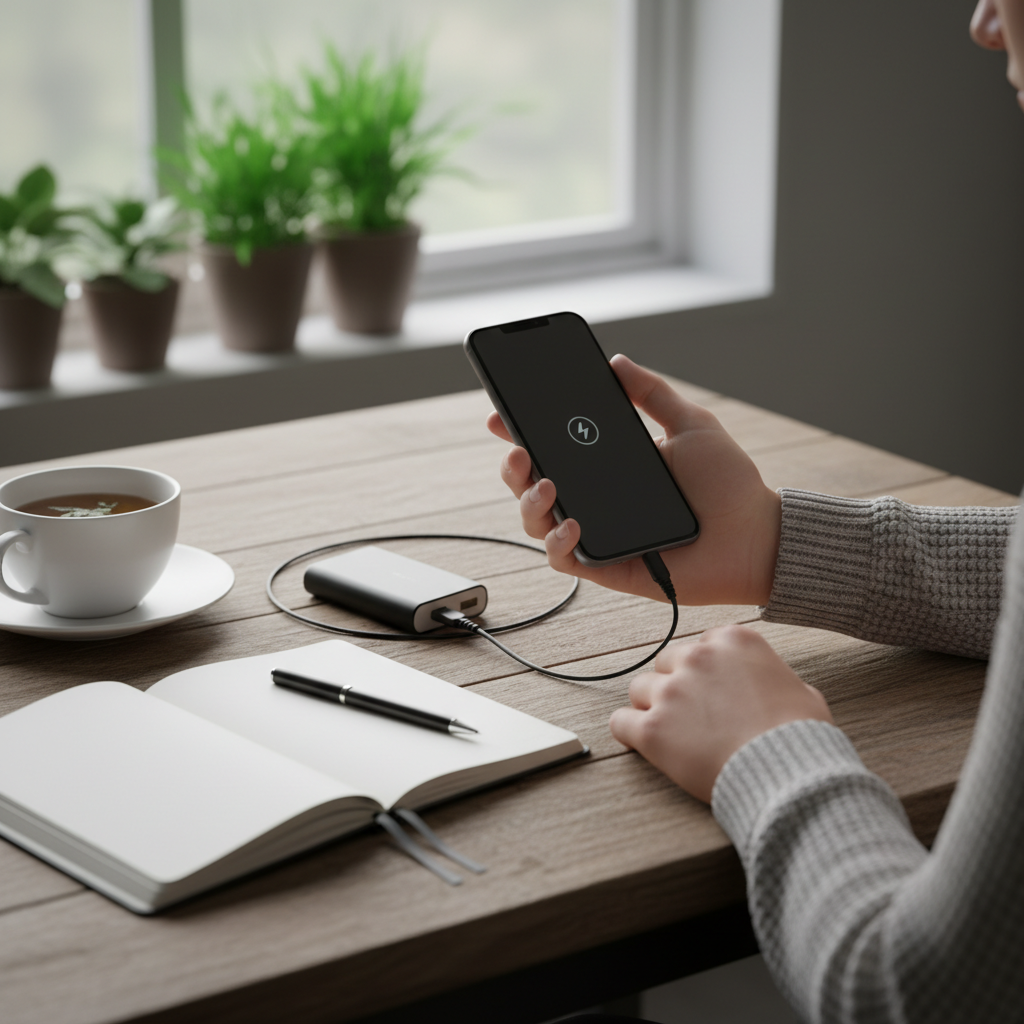
You start to panic. “Why is my phone battery dying so fast?” you wonder. You start rationing your usage, turning off apps, and frantically searching for a charger. It’s a familiar scenario for most of us. But, there’s good news. You don’t have to live this way. Let’s get into what causes it, how to fix it, and how to keep your phone’s battery happy for the long haul.
Why Your Phone Battery is Draining Like Crazy
First things first: why does this even *happen*? What’s going on behind the scenes? It’s not some random event, but a combination of factors. The good news is, most of them are things you can control.
1. Background App Activity
This is the big one. Your phone is a multitasking machine, and some apps are always running, even when you aren’t actively using them. Think about your email app, social media, or even weather apps. They’re constantly refreshing, checking for updates, and using power in the background.
2. Screen Brightness
The brighter your screen, the more juice it sucks. That vibrant display is a power hog. Especially if you’re outside in bright sunlight, that screen has to work even harder.
3. Location Services
GPS is great for navigation, but it uses a ton of battery life. If you have location services constantly on for apps that don’t really *need* it (like a game, for example), your battery will drain faster.
4. Old Battery
Like any battery, your phone’s battery degrades over time. It loses its ability to hold a charge. You might notice your phone is not lasting as long as it used to, even with the same usage. This is a natural part of the aging process.
5. Poor Signal
If your phone is constantly searching for a signal, it uses more power. Think about being in an area with bad cell reception or weak Wi-Fi. Your phone is working overtime, and your battery suffers.
6. Software Issues
Sometimes, a software glitch or an outdated operating system can cause increased battery drain. Software updates often include battery optimization, so keeping your phone up to date is essential.
What People Usually Do Wrong
We’ve all been there – desperately trying to salvage that last 10% of battery. But, some of the things we do *actually* make things worse.
1. Constantly Closing Apps
It might seem counterintuitive, but constantly swiping away apps from your recent apps list can actually *hurt* your battery life. Modern phones are designed to manage RAM efficiently. When you force-close an app and then reopen it, your phone has to work harder to reload it.
2. Charging to 100% Every Time
While not a *huge* deal, consistently charging your phone to 100% and keeping it plugged in can slightly degrade the battery over time. It’s best to aim for charging between 20% and 80% if possible.
3. Using Unofficial Chargers
Using the wrong charger can damage your battery or charge it inefficiently. Stick with the charger that came with your phone or a certified replacement.
4. Ignoring Software Updates
Putting off those software updates may seem harmless, but they often include important battery optimizations and security patches. Don’t delay – update your phone when prompted.
The Real Fixes: Step-by-Step Solutions
Okay, enough of the problem; let’s find a solution. Here are some practical steps you can take to reclaim your phone’s battery life.
1. Check Your Battery Usage
* Go to your phone’s settings (usually under “Battery”).
* Look for “Battery Usage” or similar.
* See which apps are consuming the most power. This can give you a clue about what’s going on.
2. Manage Background Apps
* Go to Settings > Apps & Notifications > See all apps.
* Select an app and tap “App battery usage.”
* Toggle off “Allow background usage” if you don’t need the app constantly running.
3. Adjust Your Display Settings
* Lower your screen brightness. Or, better yet, turn on “Auto-Brightness”. Your phone will adjust the brightness based on the ambient light.
* Set a shorter screen timeout (e.g., 30 seconds). This ensures your screen turns off quickly when you’re not using it.
4. Optimize Location Services
* Go to Settings > Location.
* Review which apps have access to your location.
* Change the settings to “While using the app” or “Ask every time” for apps that don’t need constant access.
5. Disable Unused Features
* Turn off Bluetooth, Wi-Fi, and NFC when you’re not using them.
* Disable “Always-on Display” if you don’t need it.
6. Use Battery Saver Mode
* Most phones have a battery saver or low power mode. You can usually find it in your settings. It limits background activity and optimizes performance to extend battery life.
7. Keep Software Updated
* Go to Settings > System > System update (or a similar option).
* Install any available updates.
8. Check for Malware
* If you suspect malware is draining your battery, run a scan with a reputable antivirus app.
When to Get Professional Help
Sometimes, you’ve tried everything, and your phone’s battery life is still terrible. That’s when it’s time to consider professional help.
- If the battery is old: Batteries degrade over time. If your phone is a few years old, a battery replacement might be the best option.
- If your phone is overheating: Excessive heat can damage the battery. If your phone is consistently hot, have it checked out.
- If your phone shuts down unexpectedly: Sudden shutdowns can indicate a failing battery or other hardware issues.
- If you see a battery health warning: Some phones will notify you through a device pop-up message that your battery requires a check-up.
- If you suspect hardware issues: If you’ve tried the software fixes and the problem persists, there might be a hardware problem, like a faulty charging port.
**How much does it cost?** The cost of battery replacement varies. For iPhones, Apple typically charges between $69 and $99. Android devices can range from $30 to over $100. Third-party shops may offer lower prices, but make sure to use a reputable repair shop.
Long-Term Prevention Tips: Keep Your Battery Happy
Now, let’s look at how to prevent this from happening *again*. Here are some habits you can adopt to keep your phone’s battery healthy long-term.
Avoid extreme temperatures.** Don’t leave your phone in direct sunlight or freezing cold.
Charge properly.** Avoid charging your phone to 100% every time. Aim for charging between 20% and 80%.
Use the right charger.** Always use the charger that came with your phone or a certified replacement.
Keep your phone clean.** Dust and debris can accumulate in the charging port, so clean it out carefully.
FAQs: Your Burning Battery Questions Answered
Here are some of the most common questions people have when dealing with a fast-draining phone battery:
1. Why is my phone battery draining so fast all of a sudden?**
Sudden battery drain can be caused by new apps, recent software updates, or background processes consuming power.
2. Can a virus cause my phone battery to drain quickly?**
Yes, malware or viruses can drain your battery by running processes in the background. Regularly scan your phone for malware and only download apps from trusted sources.
3. How long should a phone battery last during normal usage?**
On average, a phone battery lasts between 8 to 12 hours with regular usage.
4. Does fast charging damage the battery?**
Not necessarily. Fast charging is safe when you’re using the manufacturer’s charger or a certified charger.
5. Should I let my phone battery die completely before charging?**
No, it’s generally best to avoid letting your battery drain completely.
6. Is it okay to charge my phone overnight?**
Yes, it’s generally safe to charge your phone overnight, but try not to make it a habit to keep your phone plugged in after it reaches 100%.
7. How do I check my phone’s battery health?**
On some Android phones, you can go to Settings > Battery and look for a battery health indicator. On Samsung phones, you can use the Samsung Members app. You can also use third-party apps like AccuBattery.
8. Should I replace my phone battery or buy a new phone?**
It depends on the age of your phone and your budget. Battery replacement can be a cost-effective way to extend the life of your phone.
Final Thoughts
Dealing with a phone battery that drains too fast can be a pain. But with a few simple steps, you can diagnose the problem, implement the fixes, and get back to enjoying your phone without constantly worrying about finding a charger. It’s like a little bit of tech-savvy self-care. So, take control, make the tweaks, and breathe a sigh of relief. You’ve got this!