
We’ve all been there. You walk into your living room, the TV is already on, the game console is humming, and the soundbar is flashing a welcoming light. It’s convenient, right? Everything’s ready to go. But what if I told you that this constant state of “ready” is quietly costing you more than you think?
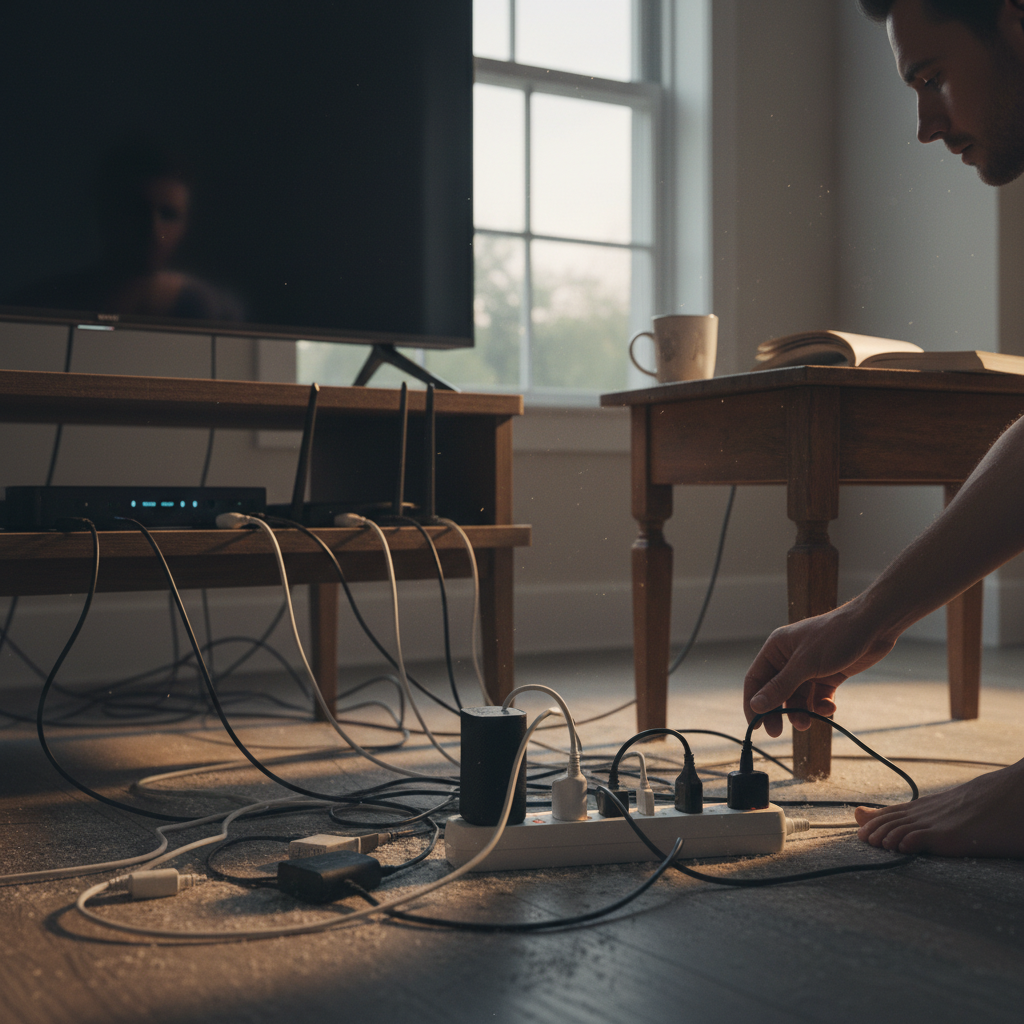
Most of us don’t give a second thought to leaving our electronics on standby. We’re busy, we’re tired, and that little red light is practically invisible after a while. But that little red light, or the glowing screen of your smart TV, is a symptom of a larger issue. It’s a habit that bleeds into device life, home safety, your electricity bills, and yes, even your daily peace of mind.
The Sneaky Energy Drain: Phantom Load Explained
This “always-on” state is what we call phantom load, or vampire power. It’s the electricity your devices consume even when they’re not actively being used. Think of it like a slow leak in your wallet. It might not seem like much at first, but over time, those small drips add up to a significant loss.
Here’s a quick breakdown of what’s probably lurking in your home, sucking power even when you’re not using them:
- Televisions: Modern TVs, especially smart TVs, can draw a surprising amount of power in standby mode, waiting for your next command.
- Gaming Consoles: Similar to TVs, consoles are always listening for a signal to power on.
- Cable Boxes and Streaming Devices: These are constantly updating and downloading content in the background.
- Computers and Laptops: Even when shut down, many computers use some power to maintain system settings and allow for remote wake-up.
- Microwaves and Coffee Makers: These appliances often have digital displays that consume power 24/7.
- Phone Chargers: Believe it or not, a charger left plugged into the wall continues to draw power even when it’s not connected to a phone.
- Smart Speakers: They are always listening for their wake-up word.
Now, I know what you might be thinking: “It’s just a few watts, what’s the big deal?” Well, multiply those few watts by the number of devices in your home, and then multiply that by 24 hours a day, 365 days a year. It quickly adds up.
Beyond the Bill: How Phantom Load Impacts Your Life
Okay, so it costs money. We get that. But the impact of phantom load goes far beyond a slightly higher electricity bill. Let’s dig deeper into the less obvious ways this habit affects your home and your life.
Device Longevity
Constantly drawing power, even in small amounts, generates heat. And heat is the enemy of electronics. It slowly degrades components, shortening their lifespan. By unplugging devices when you’re not using them, you’re giving them a chance to cool down, potentially extending their life and saving you money on replacements down the road.
Home Safety
While rare, electrical fires can start due to faulty devices or overloaded circuits. Leaving electronics plugged in, especially older ones, increases this risk. Unplugging devices when you’re not using them is an easy way to reduce potential hazards and protect your home.
Daily Convenience (or Lack Thereof)
This might seem counterintuitive, but think about it. How many times have you reached for the remote, only to find the TV didn’t turn on immediately because it was in a deep sleep, or worse, unplugged? Or, you go to make a coffee, and the machine is off. The few seconds it takes to turn a device on is a small price to pay for the benefit of power savings and safety.
Environmental Impact
The electricity used by phantom loads contributes to your carbon footprint. By reducing your consumption, you’re making a small but meaningful contribution to a greener lifestyle. Every little bit counts, right?
Common Mistakes and Myths Debunked
There’s a lot of misinformation out there about energy consumption. Let’s clear up some common misconceptions:
- “It’s only a few watts, it doesn’t matter.” As we’ve discussed, those few watts add up.
- “I have a smart power strip, so I’m good.” Smart power strips are great, but they are not the only solution. You still need to be mindful of which devices you plug into them and how you use them.
- “Unplugging things is a hassle.” It can be, but there are ways to make it easier, which we will cover shortly.
- “My devices are energy-efficient, so I don’t need to worry.” Even energy-efficient devices consume power in standby mode.
Practical Tips for a Smarter, Safer Home
Alright, so you’re convinced. You want to cut down on phantom load, but you don’t want to live in a dark, disconnected house. Here’s how to do it without turning your life upside down:
1. Identify the Culprits
Walk through your home and make a list of all the devices that are constantly plugged in. Note which ones have power indicators (lights, displays). This will give you a clear picture of where your energy is going.
2. The Power Strip Solution
Use power strips, especially for entertainment centers and home offices. Look for strips with individual switches or smart power strips that automatically cut power to devices when they’re not in use. You can also use smart plugs to control individual devices remotely.
3. Unplug Strategically
For devices that aren’t easily accessible or that you use infrequently (like your phone charger in the guest room), unplug them when they’re not needed. It’s a simple habit that adds up.
4. Embrace the “Off” Button
Get in the habit of turning off devices completely, rather than just putting them in standby mode. This might seem obvious, but it’s a game-changer.
5. Optimize Your Settings
Most TVs, gaming consoles, and computers have power-saving modes. Activate them! They can significantly reduce standby power consumption.
6. The Appliance Audit
Many appliances, like microwaves and coffee makers, have digital displays that consume power 24/7. Consider unplugging them when you’re not using them or choosing models with energy-saving features.
7. Wireless Optimization
Your Wi-Fi router is another source of phantom load. Consider turning it off at night or when you’re away for extended periods. You can also optimize your router settings to reduce its energy consumption. (Learn more about optimizing your home’s Wi-Fi habits in this related article: The Unexpected Culprit: How Your Home’s Wi-Fi Habits Might Be Costing You).
Making it a Habit: The Long-Term Benefits
Changing your habits takes time, but it’s worth the effort. Once you start unplugging and switching off devices, it becomes second nature. And the benefits are significant.
Financial Savings: You’ll see a noticeable decrease in your electricity bills. Over the course of a year, the savings can add up.
Extended Device Life: Your electronics will last longer, saving you money on replacements.
Reduced Fire Risk: You’ll have peace of mind knowing you’ve minimized a potential hazard in your home.
Environmental Benefits: You’ll be contributing to a more sustainable lifestyle.
Increased Convenience: A more efficient use of your home and technology.
It’s not about being perfect. It’s about making small changes that have a big impact. Once you start paying attention to phantom load, you’ll be amazed at how much you can save, both financially and in terms of peace of mind.
Frequently Asked Questions (FAQs)
Here are some of the most common questions about phantom load and how to manage it:
Q: How much money can I really save by unplugging devices?
A: The amount varies depending on your devices and usage, but you can easily save $50 to $100 or more per year. It all depends on your habits and the number of devices you have.
Q: Is it safe to unplug and replug devices frequently?
A: Yes, it’s perfectly safe. Modern electronics are designed to handle being turned on and off.
Q: What are the best power strips to use?
A: Look for power strips with individual switches or smart power strips that automatically cut power to devices when they’re not in use. Some even have USB ports for charging your devices.
Q: What about my smart home devices?
A: Smart home devices are generally designed to be energy-efficient. However, it’s still wise to unplug them if you are going to be away for a long period or not using them.
Q: Does unplugging my phone charger really save energy?
A: Yes! Even when your phone is fully charged, the charger continues to draw a small amount of power. Unplugging it is a simple way to eliminate that phantom load.
Q: Are there any devices I should NOT unplug?
A: Devices like your refrigerator and freezer should obviously remain plugged in at all times. Also, if you use a security system with a cellular backup, you’ll want to ensure that it remains plugged in.
Q: How can I measure my phantom load?
A: You can purchase a Kill-A-Watt meter, a device that plugs into your outlet and measures the power consumption of any device you plug into it. This can help you identify your biggest energy hogs.