
How many times have you absentmindedly left your phone charging overnight? Or maybe you’ve got a laptop that’s perpetually plugged in, even when you’re not using it. We all do it, right? It’s just easier, a small detail in our busy lives. But what if these seemingly harmless habits are quietly chipping away at your devices, your electricity bill, and even your peace of mind?
The Slow Burn: How “Convenience” Costs You More
Most of us don’t think twice about it. We plug in our devices and forget about them. We assume modern technology is smart enough to handle it. And in many ways, it is. But the “always-on” mentality has sneaky downsides that often go unnoticed. This small habit quietly causes a ripple effect, impacting device lifespan, home safety, and your monthly spending.
Think about your phone. You’re likely carrying a powerful mini-computer in your pocket. Constantly charging it, especially after it’s reached 100%, generates heat. Heat is the enemy of all electronics. Over time, this constant low-level heat exposure can degrade the battery, reducing its capacity and eventually, its lifespan. The same applies to laptops, tablets, and even some smart home gadgets.
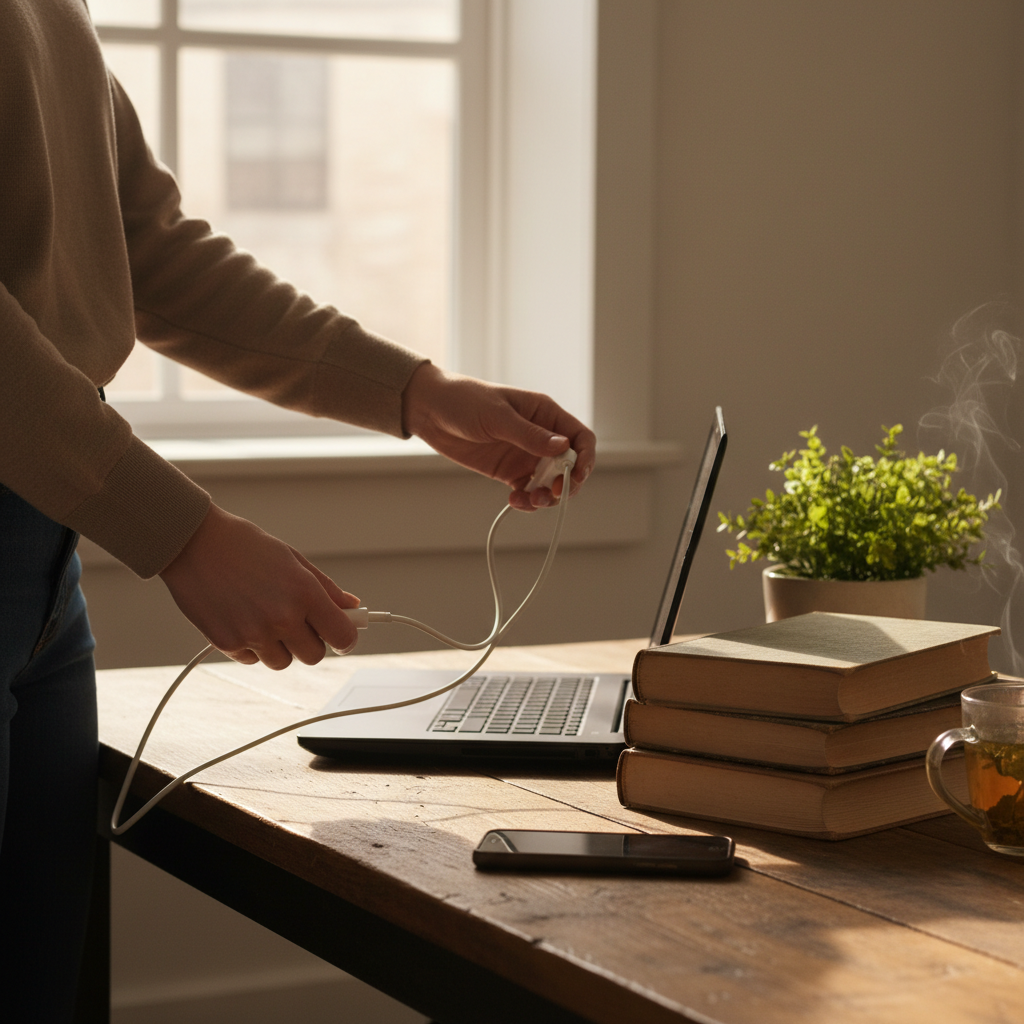
And it’s not just about the devices themselves. Imagine a simple example. You’ve got a surge protector with multiple devices connected – your phone charger, laptop, maybe a lamp. Leaving all of them plugged in, even when not in use, means they’re still drawing a small amount of electricity, a phenomenon known as “phantom load” or “vampire power.” It’s a tiny amount individually, but it adds up over time, contributing to a slightly higher electricity bill.
Common Mistakes and Myths You Need to Know
Let’s bust some common myths and mistakes that contribute to this problem.
- Myth: “Overcharging damages the battery immediately.”
- Reality: While it’s true that older batteries could be damaged by overcharging, most modern devices have built-in safety features to prevent this. However, the constant trickle charge, especially in hot environments, can still contribute to long-term battery degradation.
- Mistake: Assuming all chargers are the same.
- Reality: Not all chargers are created equal. Using a cheap or generic charger can sometimes deliver inconsistent power, which can be damaging to your device in the long run. Stick with the chargers that come with your devices or reputable brands.
- Myth: “Leaving devices plugged in overnight saves battery cycles.”
- Reality: Leaving a device plugged in past 100% does *not* save any cycles. It just keeps the battery topped off, which can still produce damaging heat over time.
Practical Tips for Device Longevity and Lower Bills
Okay, so how do you break free from this “always-on” trap? Here are some simple, practical tips that you can easily integrate into your daily life:
- Charge Strategically: Don’t let your phone or laptop charge to 100% all the time. Aim for a charge range of around 20%-80%. If you can, unplug your devices when they reach around 80%. This will help prolong battery life.
- Unplug When Fully Charged: Even if your device has safety features, unplugging it when it’s full is still a good habit. It reduces heat and eliminates the phantom load on your electricity bill.
- Use Smart Plugs: If you find it hard to remember to unplug, use smart plugs. You can set them to turn off automatically after a certain time, preventing overcharging. This is also great for appliances that tend to draw power when not in use, like TVs or game consoles.
- Be Mindful of Heat: Avoid charging devices in direct sunlight or hot environments, like a car on a summer day.
- Power Down Fully: If you’re not using a device for an extended period, switch it off completely rather than putting it in sleep mode. This not only saves battery life but also prevents any potential for phantom power drain.
- Regularly Unplug Chargers: Unplug chargers when you’re not using them, especially those that don’t have a light that indicates that they’re still drawing power.
How These Habits Matter More in a Tech-Heavy World
In 2026, our lives are even more intertwined with technology than before. We rely on smartphones for everything from communication and navigation to entertainment and work. Our homes are filled with smart devices that are always “on” and ready. Therefore, the small habits that protect your devices and your wallet matter more than ever before.
Think about smart home devices. Many are constantly drawing power, even when they seem inactive. By being mindful of your charging habits and being proactive about energy consumption, you’re not just extending the life of your devices; you’re also contributing to a more sustainable lifestyle and minimizing your environmental impact.
The Long-Term Benefits: Peace of Mind, Savings, and Fewer Breakdowns
The beauty of these small changes is that they compound over time. Implementing these simple habits can give you long-term benefits:
- Extended Device Lifespan: By avoiding excessive heat and overcharging, you can significantly extend the lifespan of your phones, laptops, and other gadgets, saving you money in the long run.
- Reduced Electricity Bills: Even small reductions in phantom load add up over time. You’ll see a noticeable difference in your energy bills.
- Peace of Mind: Knowing you’re taking care of your devices and saving energy can reduce stress and increase your overall sense of well-being.
- Fewer Breakdowns: Well-maintained devices are less likely to experience unexpected breakdowns, meaning fewer headaches and less downtime.
These simple steps might seem like minor adjustments, but they can make a big difference in how you live and interact with technology. It’s about being a little more mindful, a little more aware, and making small changes that pay off in the long run. If you are struggling with a malfunctioning air conditioner, you may want to check out this Related Article for further insights.
Frequently Asked Questions (FAQs)
Here are some frequently asked questions, along with practical answers:
Q: Does leaving my phone on the charger overnight really damage the battery?
A: Not immediately, but consistently over time, it can contribute to battery degradation due to heat exposure. It’s better to charge it strategically and unplug it once it’s full.
Q: How much money can I actually save by unplugging chargers?
A: The savings might seem small individually, but they add up. Even a few dollars a month can make a difference. The more devices you have, the greater the potential savings.
Q: Are smart plugs worth the investment?
A: Absolutely! Smart plugs are a great investment. They allow you to automate charging and reduce phantom load, making it easier to stick to good habits.
Q: Does using a fast charger damage my phone battery?
A: Modern phones and chargers are designed to handle fast charging. However, fast charging does generate more heat. It’s generally safe, but avoid doing it constantly. Alternate with slower charging when possible.
Q: What about my laptop? Should I unplug it when it reaches 100%?
A: Yes. It’s best practice to unplug your laptop when it’s fully charged. While most laptops have safeguards, the constant trickle charging can still generate unnecessary heat, which is bad for the battery.
Q: How often should I fully drain my phone battery?
A: This used to be standard advice for older battery technologies. For modern lithium-ion batteries, it’s actually *better* to avoid fully draining your phone. Aim to keep it between 20% and 80% charge for optimal battery health.
Q: What’s the best way to handle my smart home devices’ power usage?
A: The same principles apply. Use smart plugs to control devices when you’re not using them, and be mindful of the “always-on” nature of these gadgets.